
What HTTPS Is and Why It Matters
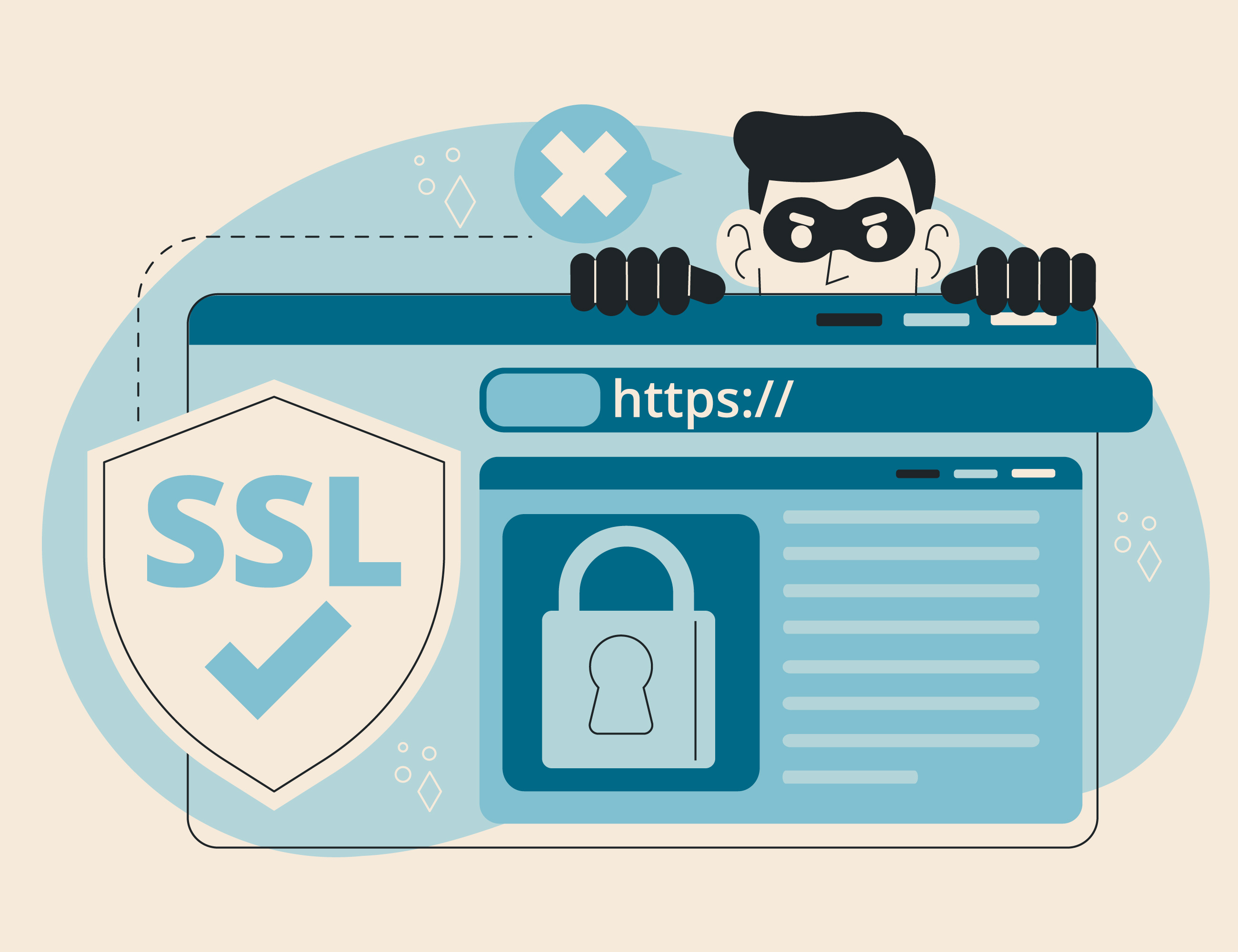
HTTPS is the secure version of the HTTP protocol used to transfer data between a browser and a website. Put simply, HTTP handles the exchange of information itself, while HTTPS makes that exchange secure. That is why a padlock icon appears next to a website’s address.
If we look at the full form, HTTPS stands for HyperText Transfer Protocol Secure. The key word here is Secure. This is not just about a different website address, but about a mechanism that encrypts data and confirms the authenticity of the resource.
The internet was originally built on HTTP. That was sufficient when the information being transmitted was relatively simple. But the web has changed a lot since then. Today, websites handle passwords, card numbers, passport details, internal documents, and login data. In plain form, such information becomes vulnerable. It can be intercepted. In some cases, it can even be altered. That is exactly why HTTPS appeared.
How HTTPS Differs from HTTP
The difference between HTTP and HTTPS is fundamental. Standard HTTP does not encrypt traffic. This means data is transmitted in readable form. If an attacker gains access to the transmission channel, they can see the contents of the request or response.
HTTPS works differently. It adds an extra layer of protection on top of HTTP. As a result, data is encrypted, and the browser can verify that it is really connecting to the intended website rather than a fake copy.
To simplify it, HTTP is like speaking out loud in public. HTTPS is like speaking in a secure room where outsiders have no access.
How HTTPS Works
HTTPS relies on a TLS certificate. In the past, people more often referred to SSL, and that term is still widely used in everyday speech, but in modern systems the main protocol is TLS. The core idea remains the same. The certificate is needed for two tasks: to confirm the authenticity of the website and to enable the secure exchange of encryption keys.
When a user opens a website over HTTPS, the browser first requests the certificate. The system then checks who issued it, whether it has expired, and whether it matches the domain it was issued for. If everything is in order, the connection continues. If not, the browser warns the user about the risk.
That is why HTTPS is not only about encryption. It is also about trust in the website.
How Encryption Works in HTTPS
HTTPS is based on two types of encryption: asymmetric and symmetric.
Asymmetric encryption is used at the stage when the connection is being established. Each side has two keys: a public key and a private key. The public key can be shared openly. The private key remains only with its owner. This makes it possible to start exchanging data securely and agree on the session parameters.
However, using asymmetric encryption for all data transmission is impractical. It is reliable, but relatively heavy. That is why, after the initial stage, the two sides switch to symmetric encryption. In this case, a single shared session key is used. It is faster and better suited for постоянный data transfer.
So the logic is as follows: first, the two sides securely agree on the connection; then they begin exchanging information quickly and securely.
How an HTTPS Connection Is Established
The process takes only fractions of a second, but several important stages happen inside it.
The basic sequence looks like this:
- the browser contacts the website and requests the certificate;
- the server sends the certificate;
- the browser checks its authenticity, expiration date, and whether it matches the domain;
- the browser and the server agree on the connection parameters and generate a session key;
- after that, encrypted data exchange begins.
This process is called the TLS handshake. Once it is complete, all further traffic is encrypted. To an outside observer, it looks like a meaningless set of characters. Even if someone intercepts the packets, they will not be able to read the contents without the key.
What Benefits HTTPS Provides
In practical terms, switching to HTTPS gives a website several important advantages at once:
- protection of user data during transmission;
- confirmation of the site’s authenticity;
- reduced risk of intercepted passwords, cookies, and sessions;
- protection against content tampering in transit;
- greater trust from visitors;
- an SEO advantage over similar HTTP-only sites;
- access to modern browser features, including geolocation, push notifications, and access to the camera and microphone;
- compliance with security standards and regulatory requirements.
Performance is also worth mentioning separately. A common misconception is that HTTPS always slows down a website. In practice, that has not been true for a long time. Modern TLS versions, especially TLS 1.3, work quickly. In many cases, the difference is not noticeable to the user at all.
What the Padlock Icon in the Browser Means
The padlock in the address bar means that a secure connection has been established between the browser and the website. But there is an important nuance here. The padlock by itself does not guarantee that the site is “good” in every sense. It indicates something else: the connection is encrypted, and the certificate has passed a basic verification check.
In other words, HTTPS confirms that the communication channel is protected. But it does not replace a sensible assessment of the website itself. A phishing site can also use HTTPS. That is why it is important to look not only at the padlock, but also at the domain name, the content of the site, and the reputation of the resource.
Which Port HTTPS Uses
By default, HTTPS uses port 443. This is the standard port for secure web connections. In normal user activity, there is no need to specify it manually. The browser and server use it automatically when a site is opened over HTTPS.
What Happens If a Site Uses Only HTTP
If a website uses only HTTP, data between the user and the server is transmitted without protection. This creates obvious risks, especially on public networks. In addition, browsers increasingly label such sites as unsafe, and some features may be unavailable on them.
For a website owner, this means not only technical but also reputational damage. The user sees a warning, and trust in the resource decreases, along with conversion rates.
Conclusion
Today, HTTPS is not an optional extra or a formality. It is a basic standard of the modern internet. It is necessary for security, trust, the proper functioning of browser features, and the normal perception of a website by users.
There is one small issue in the source translation output above: the phrase “better suited for постоянный data transfer” accidentally retained one Russian word. The correct sentence should read:
It is faster and better suited for continuous data transfer.
Here is that corrected paragraph in full:
However, using asymmetric encryption for all data transmission is impractical. It is reliable, but relatively heavy. That is why, after the initial stage, the two sides switch to symmetric encryption. In this case, a single shared session key is used. It is faster and better suited for continuous data transfer.
Related
All articles
What Snapshots Are and How They Differ from Backups
Snapshots and backups are two terms that, in conversations about servers and data storage, often get blurred into one. In reality, the difference between them is like the difference between saving a video game and evacuating valuables to a bunker.…

What Is SFTP and How Does It Differ from Regular FTP
File transfer can, without exaggeration, be called one of the oldest operations on the internet — something nearly as ancient as the internet itself. Every day we copy gigabytes of data from server to server and rarely stop to think…