

What a 404 Error Means, Why It Happens, and How to Deal With It
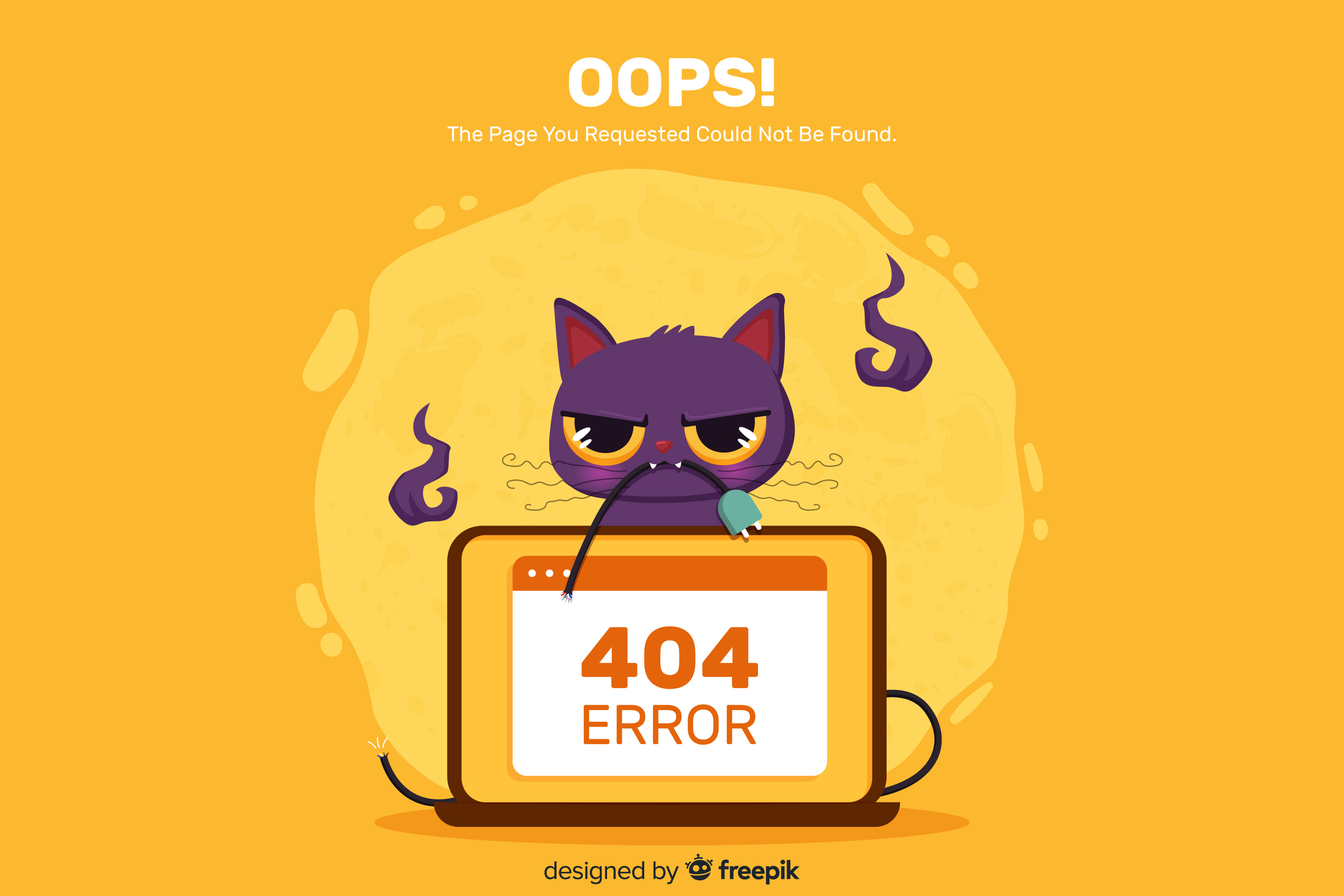
A 404 error is one of the basic HTTP status codes. It is most often displayed as “404 Not Found” or “Page Not Found.” The wording makes it seem like something has broken. In practice, that is not necessarily the case. A 404 error usually means that the server could not find the resource at the specified address. The site itself may still be working normally: the problem affects a specific URL, not the entire system.
The request-handling process is standard:
- The browser sends a request to the specified URL.
- The server receives it and tries to find the corresponding resource.
- If no match is found, it returns a 404 status code.
This is normal, expected HTTP protocol behavior.
Why a 404 Error Happens
In practice, the causes can be divided into several groups, but it is important to understand that they are usually not related to serious technical failures.
The most typical scenario is an incorrect URL. The error appears because of a typo, an incorrectly copied link, or a manually altered address. One extra character is enough. Or, on the contrary, one missing character. As a result, the server cannot find the corresponding resource, and the page becomes unavailable.
The second common cause is changes on the site. During content updates, pages may:
- be deleted;
- be moved to other sections;
- receive a new URL.
If no redirect is configured, the old address returns a 404 error.
Broken links should also be highlighted separately. They appear when:
- third-party sites link to outdated pages;
- old URLs remain in search engine indexes;
- the site itself contains incorrect links.
Technical causes are also possible. They are less common, but they should not be ruled out. These include server configuration errors, CMS issues, or incorrect routing.
How Users Encounter a 404 Error
From the user’s point of view, a 404 error is a break in the expected flow. A person clicks a link expecting to find specific information, but instead sees a message saying that the page does not exist.
What the user does next largely depends on how the error page is implemented. If it looks like a dry technical notice with no navigation, the user will most likely just close the tab. That is the worst outcome for a site owner.
A good 404 page usually contains:
- a link to the homepage;
- links to the main sections of the site;
- a search bar;
- sometimes, content recommendations.
What a User Can Do
In most cases, the user can try to solve the problem on their own. No special knowledge is required. The steps are basic.
First, it makes sense to check the page address. If the URL was entered manually, it is worth making sure there are no typos or extra characters. The next step is to refresh the page. Sometimes the error is temporary and caused by a short-lived issue on the server side.
If nothing changes, it is reasonable to return to the site’s homepage. From there, the user can use navigation or the internal search function. As an alternative, they can also use a search engine by entering the page title or relevant keywords.
In some cases, it helps to look for a cached version of the page or use web archives. This approach is less common, but sometimes it makes it possible to access the needed information.
What the Site Owner Should Do
From an administrative perspective, a 404 error is not just a service status. It is an indicator of the site structure and the quality of its navigation. Such signals help assess the integrity of the link system and identify weak points.
Work on these errors is carried out in several directions. The approach should be systematic rather than limited to one-off fixes.
First, there must be control over the link structure. This applies both to internal links and to external sources. Regular auditing helps detect outdated or broken URLs and correct them in time.
Second, redirects must be configured properly. If a page has been moved or renamed, the old address should correctly redirect to the new one.
Third, the error page itself should be properly designed. A simple notice is not enough. The interface should offer alternative actions: going to the homepage, using search, or visiting relevant sections. This helps keep the user on the site.
In addition, server log analysis is used. It shows which URLs most often lead to a 404 error and where the traffic is coming from. Based on this data, decisions can be made to optimize the site structure and eliminate problem areas.
How a 404 Error Affects SEO
A 404 error by itself is not considered a problem for search engines. But if a site has many broken internal links or poorly configured page moves, this can interfere with crawling, worsen navigation, and lead to the loss of some internal link equity.
From the user behavior perspective, the consequences are also noticeable. A 404 error increases the likelihood that a person will leave the site, especially if they are not offered alternative options.
As a result:
- the bounce rate increases;
- engagement decreases;
- conversion drops.
Additional Nuances
When working with 404 errors, there are several nuances that often go unnoticed. They are not obvious, but they do affect the stability and correctness of site operation.
First, the error affects not only HTML pages. A similar situation can occur with images, scripts, stylesheets, and API requests. In such cases, not only the content layer is affected. The interface logic is disrupted as well. Visual and functional issues may appear.
Second, it is important to distinguish between a “hard” 404 and a “soft” 404. In the first case, the server correctly returns the corresponding HTTP status. In the second, the user sees an error message, but the server actually returns a 200 code. For search engines, this is an incorrect signal. Such pages can interfere with proper site processing. That is why a real error page should return 404 or 410, not 200.
Third, caching must be taken into account. This is a typical situation. A page has already been restored or reconfigured, but the user still sees an error. The reason is a cached version in the browser or at the CDN level. In such cases, the issue is temporary and requires clearing the cache or refreshing the stored data.
Conclusion
A 404 error is a standard server response that indicates the requested resource is not available at the specified address. In most cases, it is caused by incorrect links or changes in the site structure.
For the user, this is a temporary inconvenience that can usually be resolved with simple actions. For the site owner, it is a signal that the site structure, links, and navigation need proper control.
Related
All articles
How to Install the Latest Versions of Docker and Docker Compose on Ubuntu and Debian
Docker is no longer just a tool for developers. It’s widely used for test environments, production services, and even small self-hosted projects at home. Docker Compose makes this setup even more convenient: instead of manually running multiple containers, you can…

iDempiere: An Overview of the ERP System for Business
Choosing an Enterprise Resource Planning (ERP) system today can be a daunting task. On one side, you have giants like SAP or Oracle: they promise everything at once, but their cost can become a financial burden even for a successful…